
New Login to Instructor Portal
The standard process OLLI follows is to register new instructors in the Learnmore Instructor Portal using the email address the instructor provided in their course proposal form.
Below are step-by-step instructions to login to the Instructor Portal for the first time.
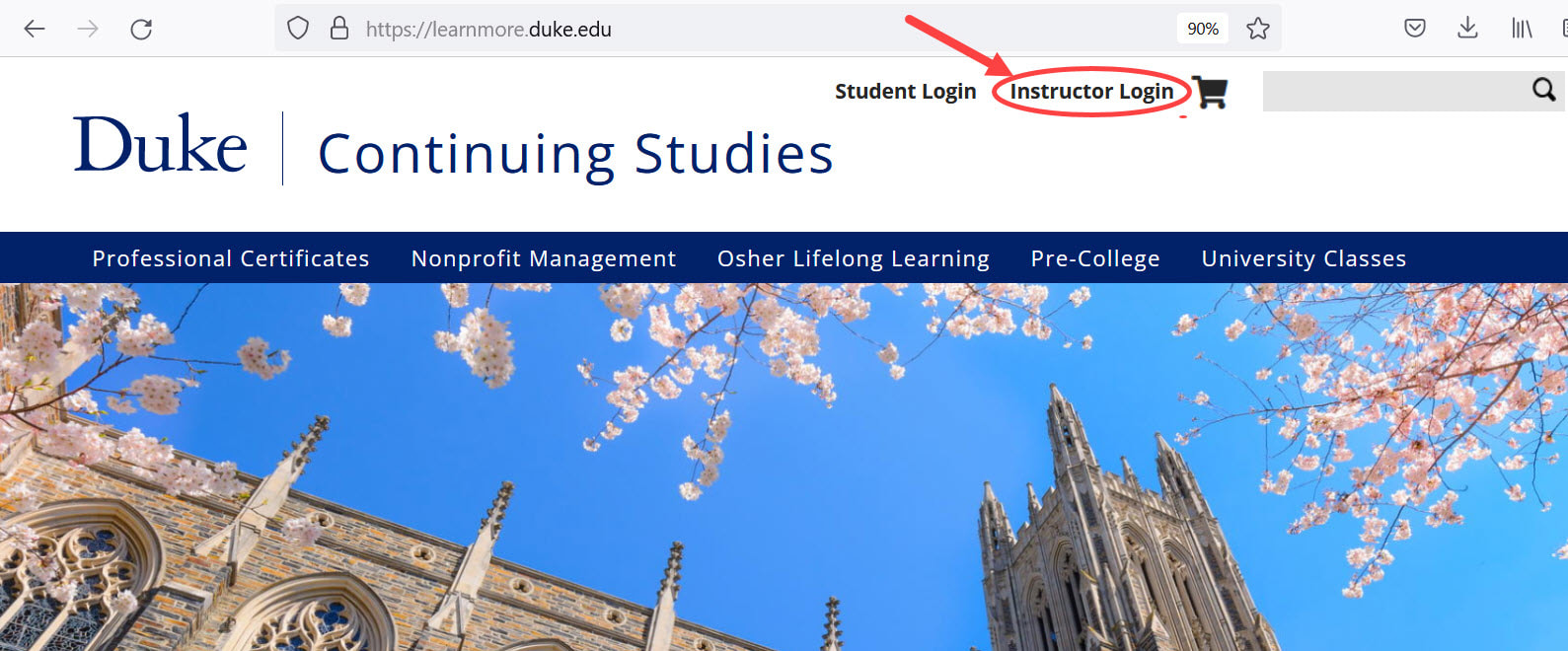
1. Go to learnmore.duke.edu and click on the "Instructor Login" link at the top of the page.
Below are step-by-step instructions to login to the Instructor Portal for the first time.
1. Go to learnmore.duke.edu and click on the "Instructor Login" link at the top of the page.
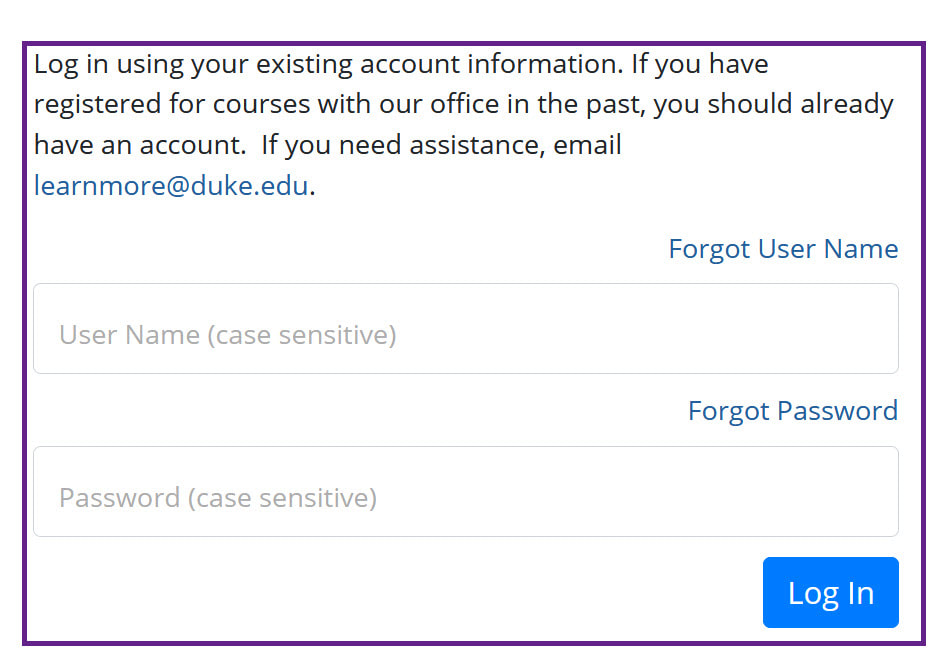
1. On the instructor login page, click "Forgot User Name" and enter the email address you provided in your course proposal form (or that you have used in the past as an instructor).
Note: If you know your user name, in the form "T" followed by 6 digits (e.g., T001234), enter it here and skip to step 3.
2. Look for an email within a minute or two that appears in your inbox as sent from [email protected] (Duke Continuing Studies or displayed as from "Duke University Con.") with the subject line: Duke University Continuing Studies and Summer Session User Name. It will contain your user name, typically Tnnnnnn (the n's are digits). If you don't receive an email within five minutes, then the email you used is likely not the same as the one you are registered under. You'll need to contact Kathy Parrish ([email protected]) and provide her with the email address you want to use. Be sure to indicate you're trying to reset an instructor login, not a student login.
3. Return to the instructor login page and press the "Forgot Password" button, enter the user name from step 2 (not the email address), and press Submit.
4. Look for another email (similar to step 2) with a link to a password reset page. Once you set a password and login, you can change your email address in your user profile, if desired.
Note: The class list for your course(s) will not appear until 21 days before the start of your course. We recommend you wait to email students until at least a week after enrollment opens and most (but not all) students have enrolled.